Backdrops that do the work
Gradients, mesh, patterns, solid colours, your own image, or transparent. Add blur and grain to taste.
A raw screenshot looks like a bug report. Give it a backdrop, a shadow, and a tilt, and it looks like a product. Everything runs in your browser.
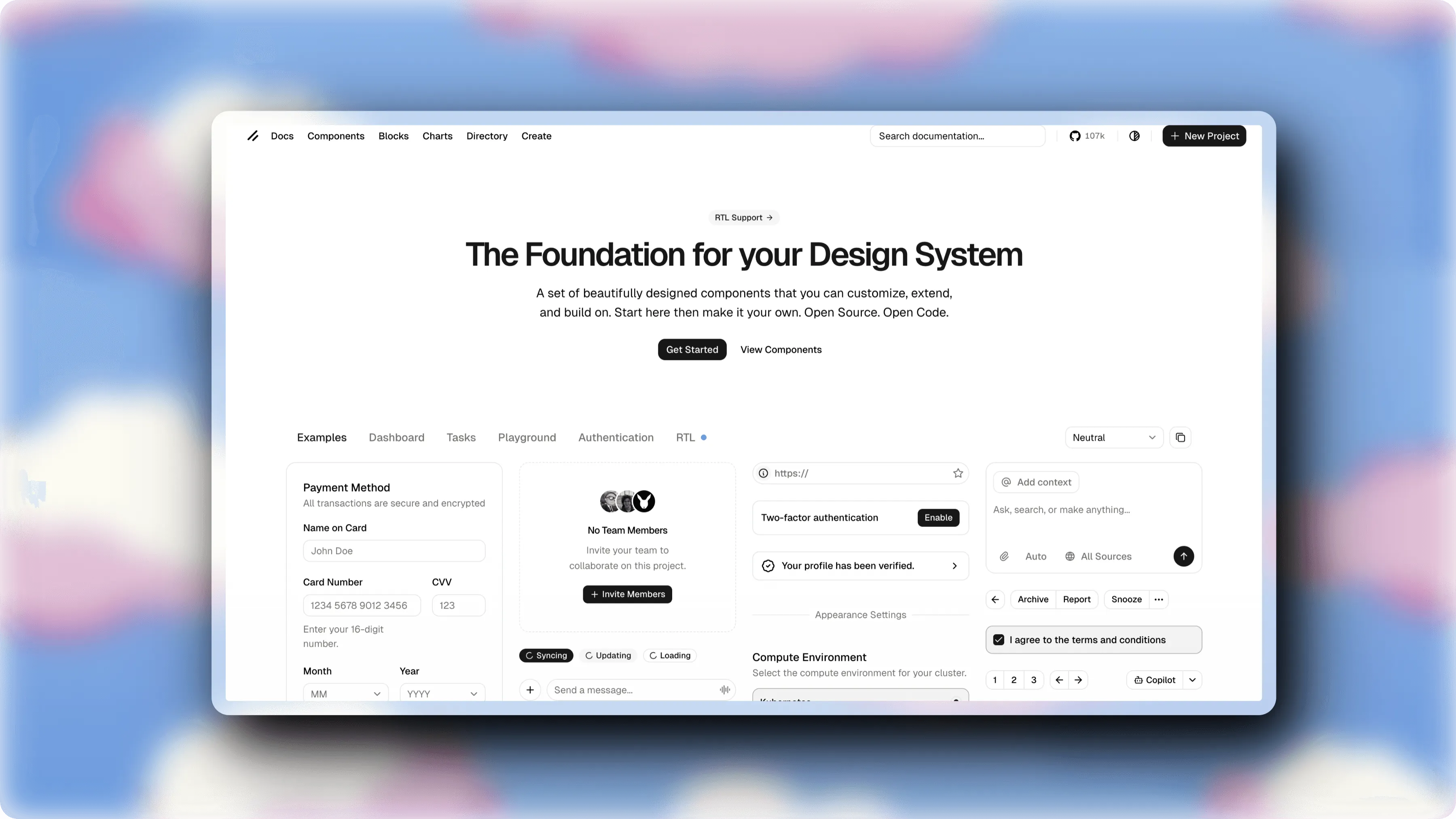
Gradients, mesh, patterns, solid colours, your own image, or transparent. Add blur and grain to taste.
Drop the shot into a Safari or Chrome window, light or dark, with your own URL. Phone and tablet frames too.
Rotate and tilt the shot in real 3D space. Presets for a quick angle, sliders when you want it exact.
Wrap the shot in a frosted glass card or a clean solid border, with shadows from subtle to dramatic.
Add headings, arrows, boxes, and circles to point at the thing that matters.
Brightness, contrast, saturation, hue, grayscale, and blur, applied to the shot and not the backdrop.
Pick a motion preset, stretch the clip on the timeline, and export an MP4 for social.
PNG or JPG at retina resolution, or copy straight to your clipboard and paste it where you need it.
Upload it, paste it, or drag it onto the page. It loads straight into your browser.
Pick a backdrop, round the corners, add a shadow, tilt it. A template gets you there in one click.
Save a PNG at up to 4x, or copy to the clipboard and paste it into your post.
Runs offline
Works after the page loads.
No upload
Your image never leaves your device.
No account
No sign-up, no email, no watermark.
No. The editor runs entirely in your browser and the image never leaves your device. There is no upload step and no account.
Yes. Every feature is free, there is no watermark, and there is no sign-up. The desktop app is where we sell a paid plan, not this tool.
PNG or JPG at up to 4x for crisp output on retina displays, or copy straight to your clipboard. If you add a motion preset you can also export an MP4 clip.
Yes. There are Safari and Chrome window frames in light and dark, plus phone and tablet device frames. You can set the address bar text to your own URL.
PNG, JPG, and WebP. You can upload a file, paste from the clipboard, or drag an image straight onto the page.
Once the page has loaded, yes. The editing and export both happen on your device, so it keeps working without a connection.
No sign-up, no watermark, no upload. Open it and drop an image in.
Open the editorThis editor is a Svelte port of Screenshot Studio by Kartik Labhshetwar, used under the Apache 2.0 license. It is a great tool and it shaped what this one does.